Notification Panel
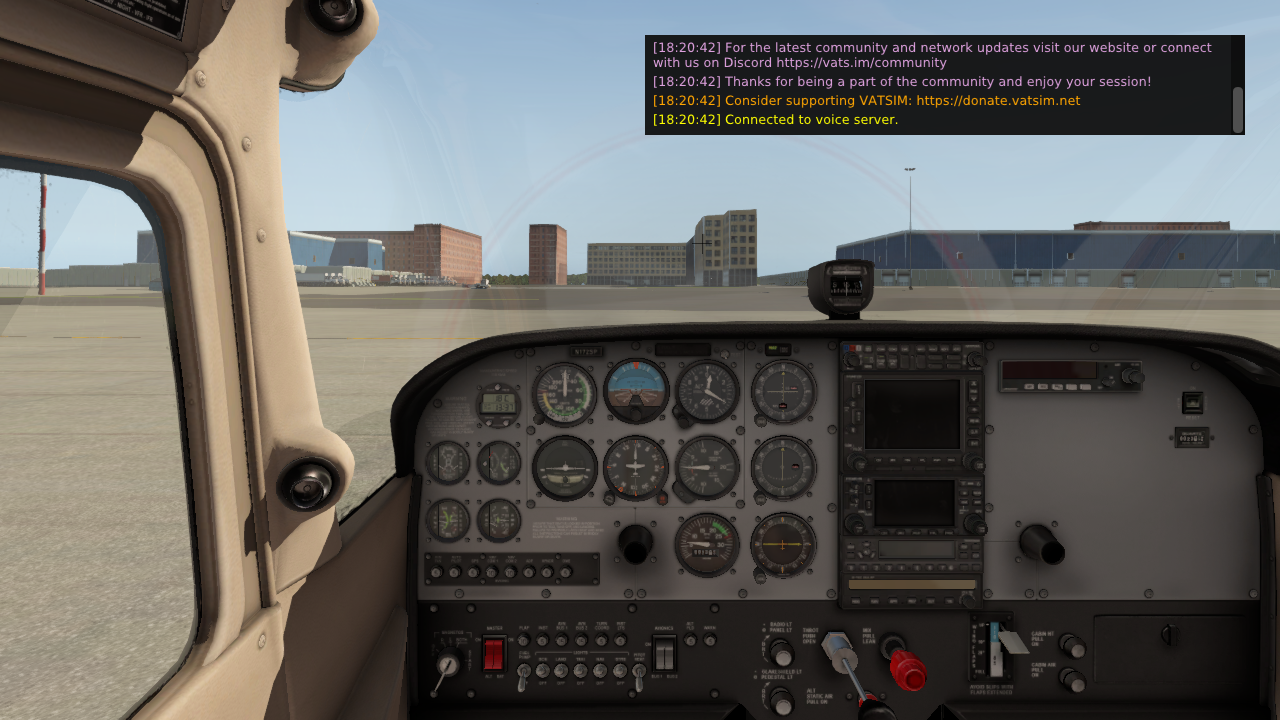
Notifications such as text radio messages, private messages, network broadcasts, and server messages appear in the translucent notification panel at the top right of the X-Plane window.
Hover over the panel to show a scrollbar and review older messages.
The panel automatically hides after a configurable amount of time. See Settings for notification panel timeout options.
VR Users
Due to limitations in the X-Plane VR API, the notification panel cannot be placed automatically in a fixed location. Each time it opens, it will appear in front of you.
As a workaround, toggle the notification panel through the plugin menu or with a bound command so it stays open, then move it to a more convenient location.