CSL Installer
The CSL installer can be launched from the xPilot client using the .downloadcsl command.
Locate X-Plane
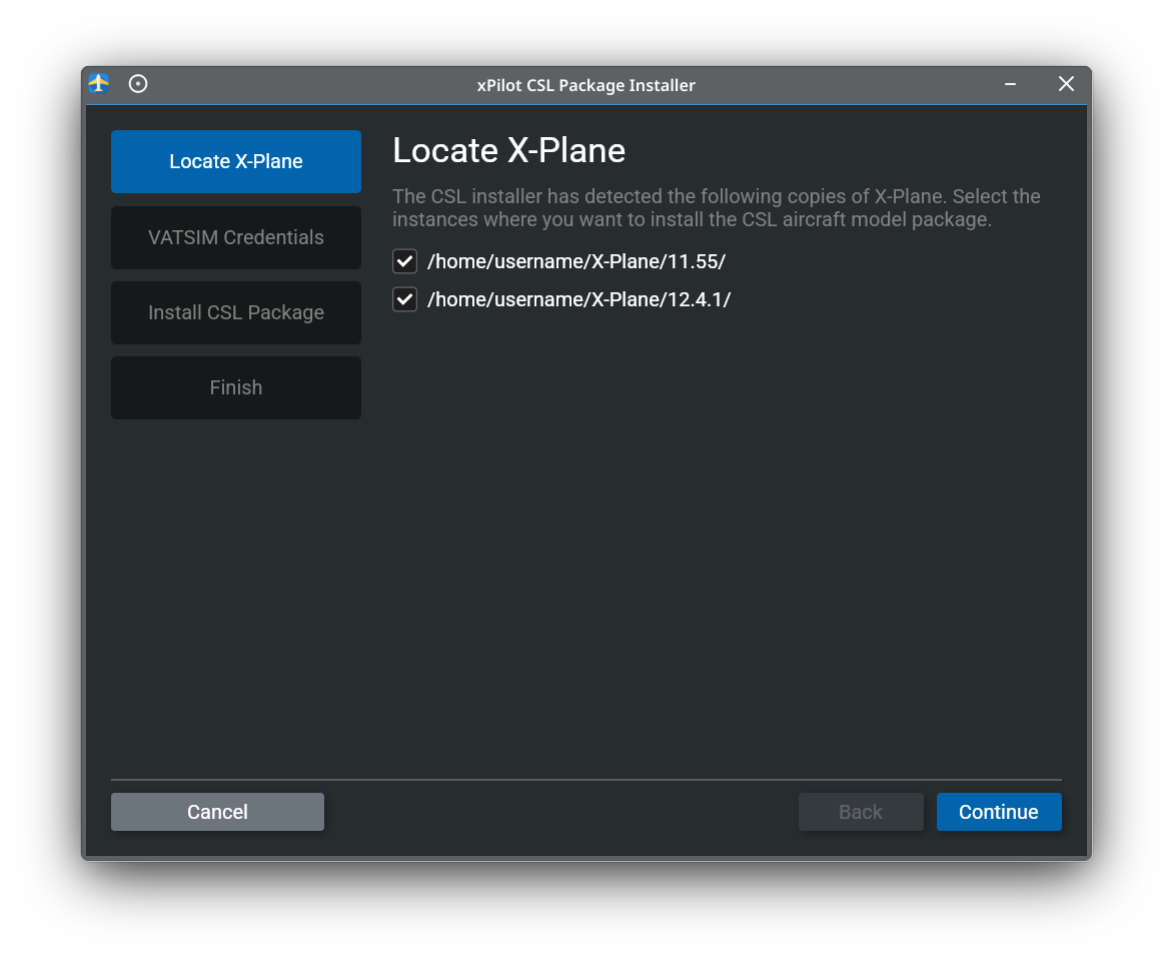
The CSL installer will detect supported X-Plane installations on your system. Select each X-Plane instance where you want to install the CSL aircraft model package, then continue.
Enter Your VATSIM Credentials
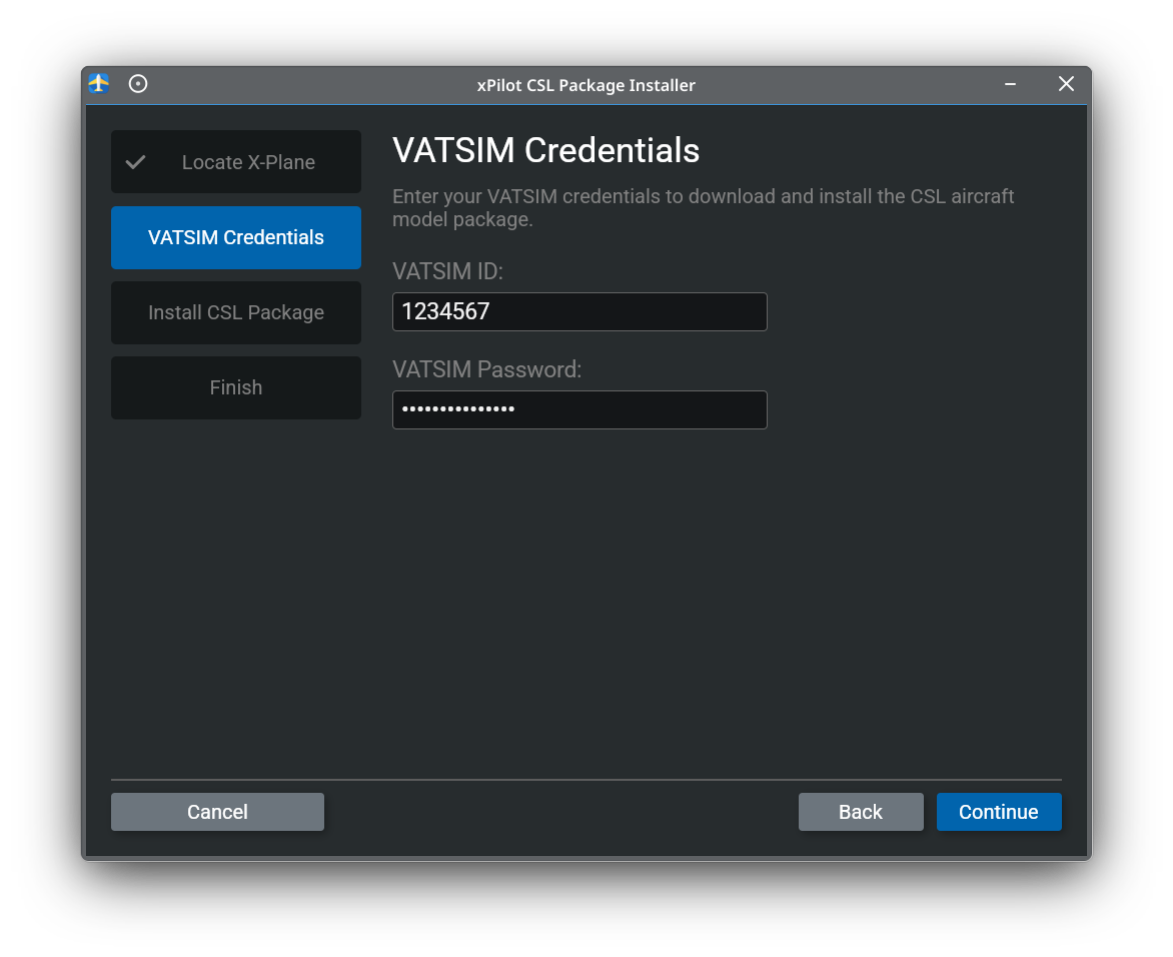
Enter your VATSIM ID and VATSIM password to download and install the CSL aircraft model package.
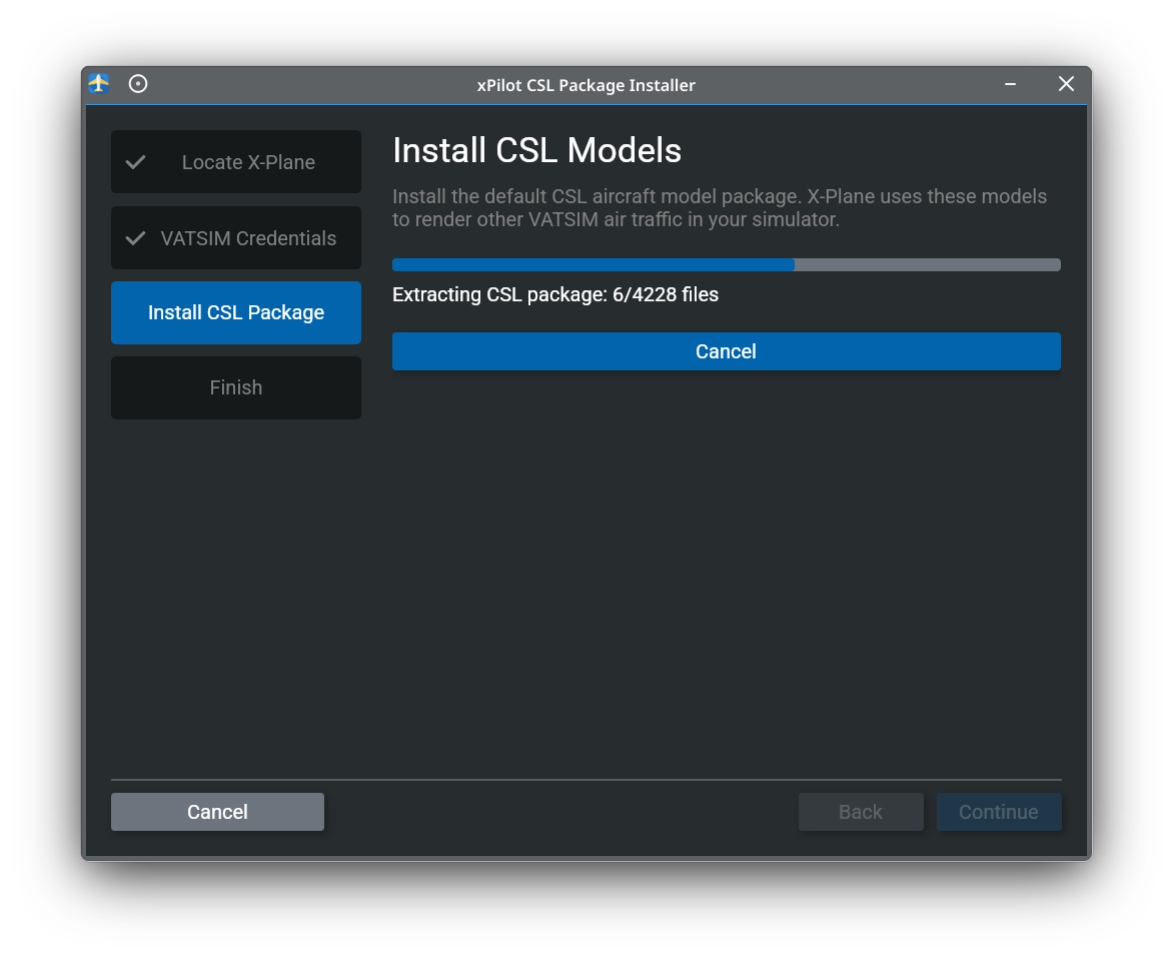
Install CSL Models
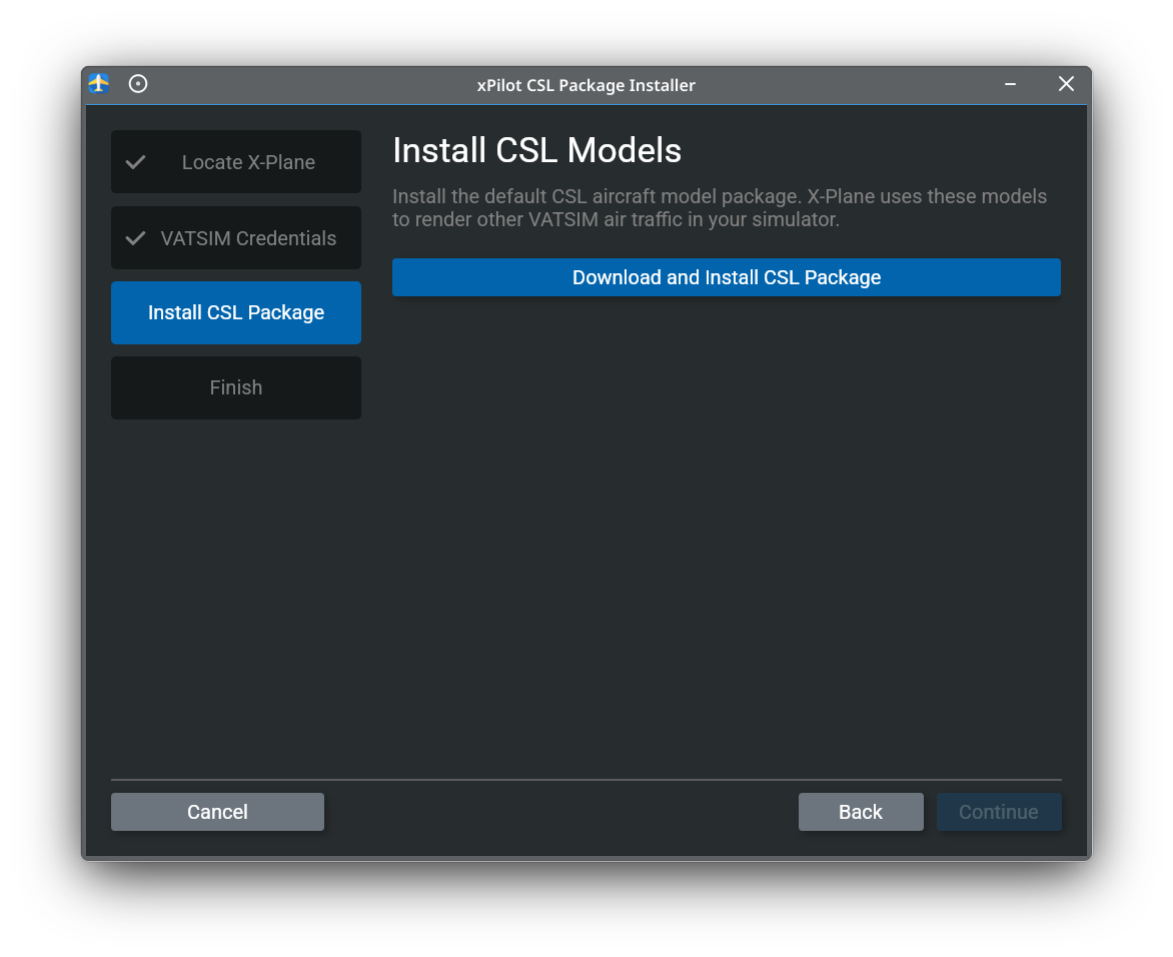
Click Download and Install CSL Package to begin downloading and installing the default CSL aircraft model package.
The installer will show progress while the CSL package is downloaded and extracted. Wait for this step to finish before continuing.
Finish
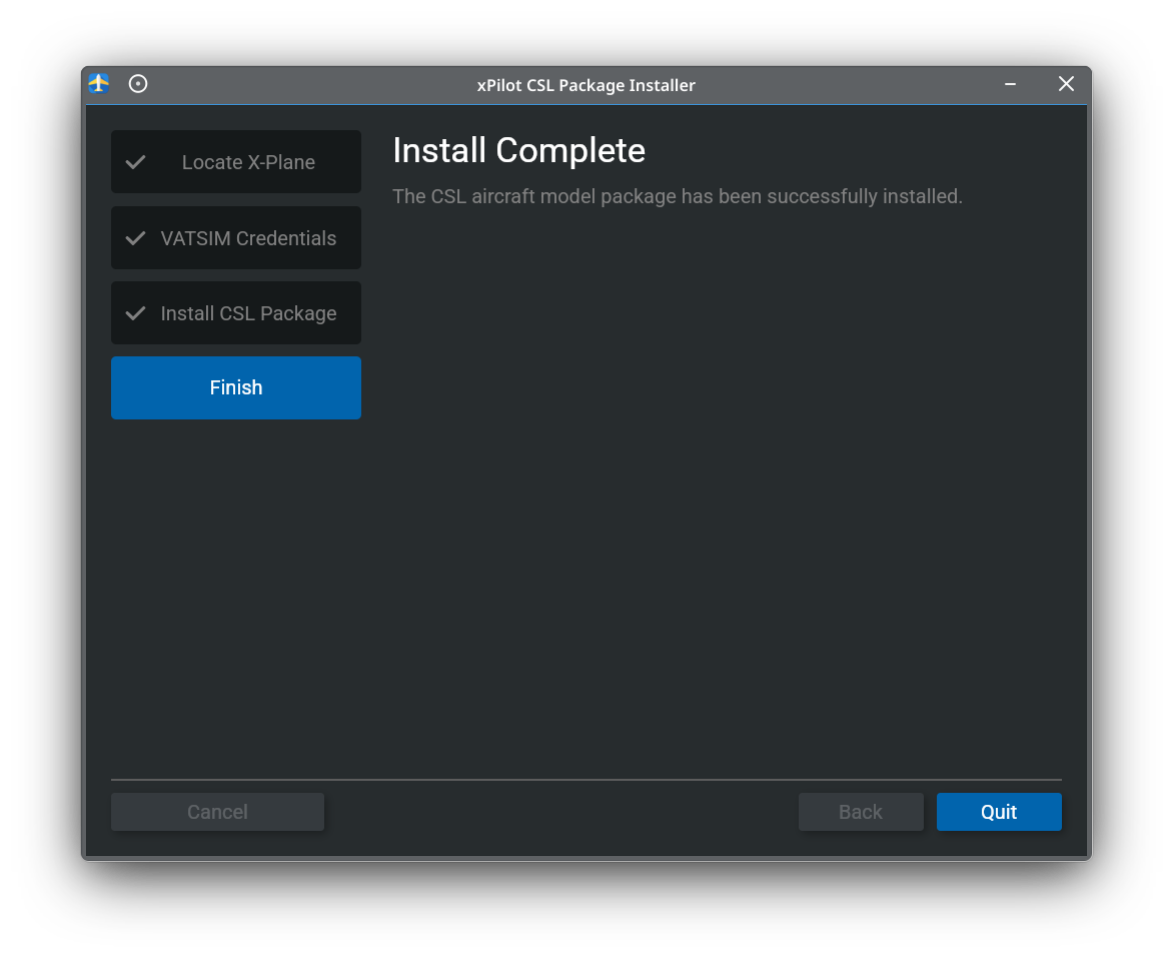
When the installer finishes, the CSL aircraft model package has been successfully installed.