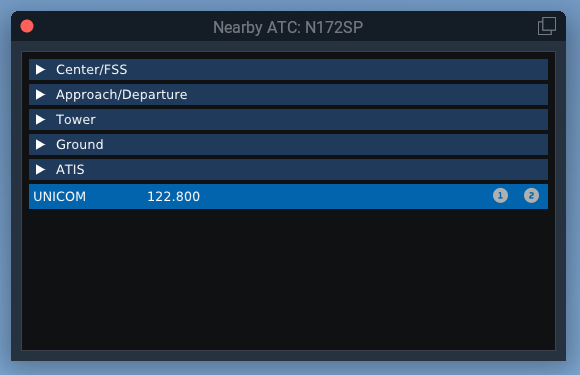
Nearby ATC
The Nearby ATC window shows controllers that are currently within range, grouped by facility type. Each entry includes the controller’s callsign, frequency, and name.
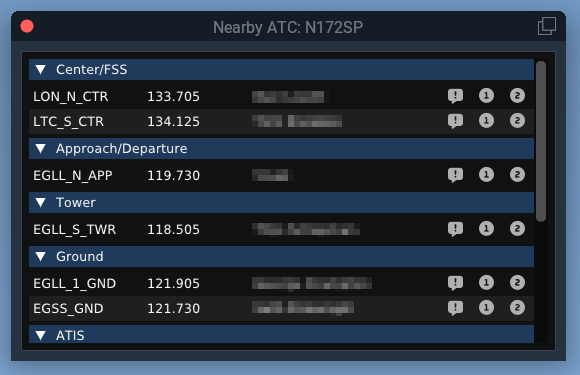
Each facility section can be expanded or collapsed independently. For example, you can collapse sections such as Center/FSS, Ground, or ATIS to keep the list easier to scan.
For each controller entry, the available action buttons let you:
- Request controller information or text ATIS
- Tune the controller’s frequency into COM1
- Tune the controller’s frequency into COM2
At the bottom of the window, there is a dedicated UNICOM entry so you can quickly tune the VATSIM UNICOM frequency into COM1 or COM2.